
This document describes how to configure the AXIS 207W network camera to connect to your wireless network.
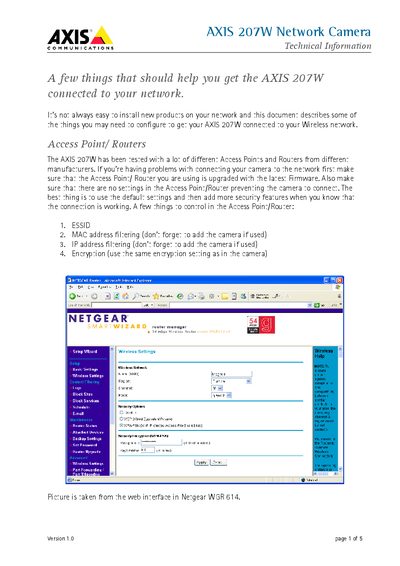
The document provides step‑by‑step instructions for connecting the AXIS 207W network camera to a wireless network. It covers checking router firmware, configuring ESSID, MAC/IP filtering, and selecting appropriate security settings.
It also details signal‑strength recommendations, station‑mode settings, encryption choices, and how to disable UPnP if it interferes with the wireless link. Practical tips such as moving the camera, rotating antennas, and choosing non‑overlapping channels are included.
| Recommended signal strength | 70% or above (minimum 50%) |
|---|---|
| Supported encryption types | WEP (open mode) or WPA/WPA2 |
| Default station mode | Auto (connects to managed and ad‑hoc networks) |
At least 70% signal strength is recommended, with a minimum acceptable level of 50%.
Change the station mode from Auto to Managed in the Plain Configuration page of the web interface.
WPA/WPA2 with a passphrase is recommended over WEP for better security.
Disable UPnP from the UPnP Settings page.