
This document is Axis's lens replacement instructions.
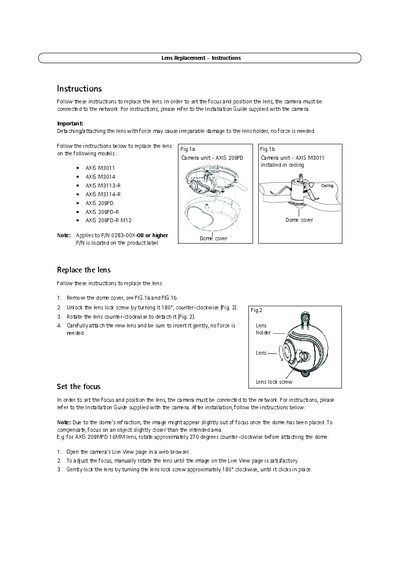
This document provides detailed instructions for removing and installing a replacement lens on supported Axis network cameras. It covers safety warnings, required tools, and the sequence of steps needed to detach the old lens, attach the new one, and secure the dome cover.
After lens installation, the guide explains how to set focus using the camera's Live View page and how to adjust the lens position for optimal image quality. It also references the full Installation Guide for additional configuration details.
| Applicable Part Number | 0283-00X-08 or higher |
|---|---|
| Replacement Part Number | 43383 |
No, the lens should be attached gently without any force.
Use the supplied allen/hex key to gently tighten the four screws.