
This is the instruction manual of Sony Ericsson HBH-IS800 Stereo Streaming Bluetooth Headset.
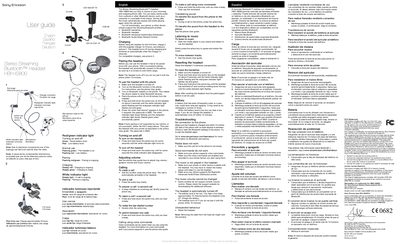
The HBH-IS800 Bluetooth stereo headset lets you control incoming and outgoing calls and enjoy stereo audio from a phone, computer, or portable music player. It automatically pauses music during calls and resumes playback afterward.
This guide explains how to charge the headset, pair it with a phone, turn it on and off, adjust volume, make calls, use voice commands, listen to music, reset the device, and troubleshoot common issues.
| First‑time charge time | approximately 8 hours |
|---|---|
| Battery level indicator (green) | Good battery level |
| Battery level indicator (red) | Low battery level |
| Call indicator | Steady white light during a call |
| Low battery warning | Low beep when battery is too low |
Charge the headset for approximately 8 hours the first time; subsequent charges will be shorter.
Green indicates a good battery level, while red indicates a low battery level.
Make sure the headset is off, then press and hold the action key for about 5 seconds until the white indicator starts flashing, then continue holding until the headset powers off.