
This manual introduces how to use the Sony Ericsson K770i mobile phone
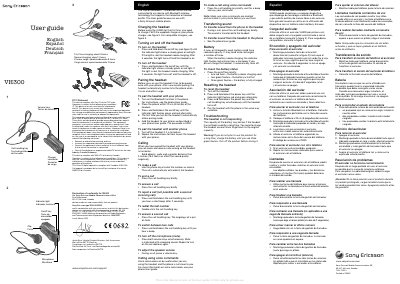
The VH300 is a clip‑on Bluetooth hands‑free headset designed for use with Sony Ericsson mobile phones. This guide explains how to charge the device, turn it on and off, pair it with a phone, and operate basic call functions.
Key topics include charging procedures, pairing steps, call handling, volume control, voice commands, battery status indicators, resetting the headset, and troubleshooting common issues.
| First charge time | about 8 hours |
|---|---|
| Normal charge time | about 2 hours |
| Battery status indicator | red flash = low, 2 green flashes = half, 3 green flashes = full |
Turn on Bluetooth on the phone, place it within 20 cm of the headset, press and hold the on/off key until the indicator flashes green and red, then select the headset and enter passcode 0000.
Press the on/off key briefly; one red flash means the battery needs charging, two green flashes indicate half‑full, and three green flashes indicate fully charged.
Charge the headset several times to restore battery capacity, then try turning it on again.
Press both volume keys simultaneously; a beep confirms the microphone is muted.