
The Music Desk Stand is a portable speaker for both indoor and outdoor use.
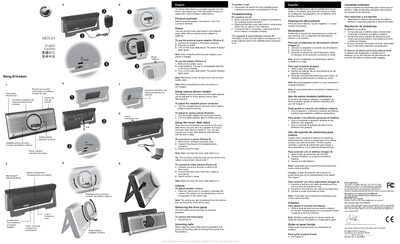
This guide provides an overview of the Music Desktop Stand, a portable speaker that can be used indoors or outdoors with a Sony Ericsson mobile phone. It describes the product’s components, power options (external adapter or batteries) and basic operation.
Instructions cover connecting a phone via the rotatable connector, using the line‑in port for other devices, adjusting volume, removing the front panel for cleaning, handling incoming calls, and troubleshooting common issues such as no sound or automatic shutdown.
| Power indicator color | green |
|---|---|
| Battery type | non‑rechargeable batteries recommended |
Connect an external power adapter to the power connector or insert non‑rechargeable batteries, then turn on the unit; the power indicator will light green.
Disconnect the phone from the rotatable connector and press the Call key on the stand.