
This manual introduces how to use the Sony Ericsson C510 phone, covering various aspects of the phone, including turning on, charging, battery use, screen use, menu use, navigation, memory, language settings, text input, making calls, contact management, taking pictures, music playback, file transfer, and updating the phone.
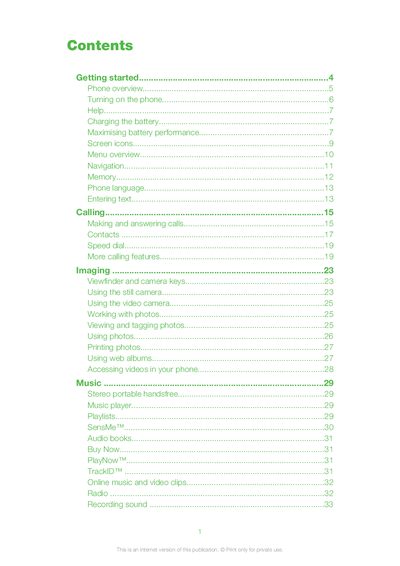
This guide covers the basics of getting started with the Yari, including phone overview, inserting the battery and SIM card, turning the device on, and selecting a language. It also explains how to charge the battery, maximize battery performance, and use the phone’s standby mode.
The manual details the Yari’s core features such as making calls, messaging, camera operation, music playback, internet browsing, Bluetooth and GPS functions, as well as software updates, troubleshooting, and legal information.
Press and hold down the power key (marked @) until the phone starts.
Slide the SIM card into its holder with the gold‑coloured contacts facing down.
Charge the phone frequently, and turn off 3G and Bluetooth when they are not needed.