
Philips 755 user manual, introduces the basic functions and operating methods of the mobile phone, including power on and off, making phone calls, receiving phone calls, viewing contacts, etc.
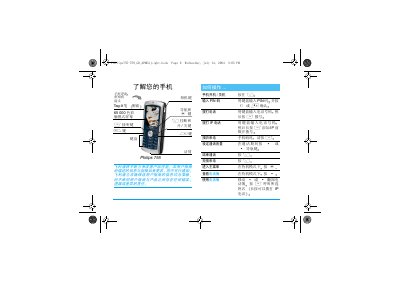
This manual introduces the Philips 755‑759 mobile phone, covering first‑time setup, SIM insertion, battery charging, and basic navigation using the Tag‑It pen and physical keys. It provides step‑by‑step instructions for making calls, sending messages, using the camera, and accessing advanced features such as IP calling and multimedia playback.
Additional sections detail phone settings, input methods, troubleshooting tips, and warranty information, along with a list of original Philips accessories and customer service contacts. This manual is written in Chinese.
| Charging time (full) | ≈1.45 hours |
|---|---|
| Talk time (max) | 2–5 hours |
| Standby time (max) | 100–250 hours |
Press and hold the power key ( ) to turn the phone on; press the same key again to turn it off.
A full charge takes about 1.45 hours.
Slide the SIM card into the plastic holder until it stops, then push the metal latch to lock it in place.