
The document describes the features and characteristics of products from brands like Texas Instruments, International Business Machines Corporation, Apple Inc, Microsoft, and Kensington Computer Products Group.
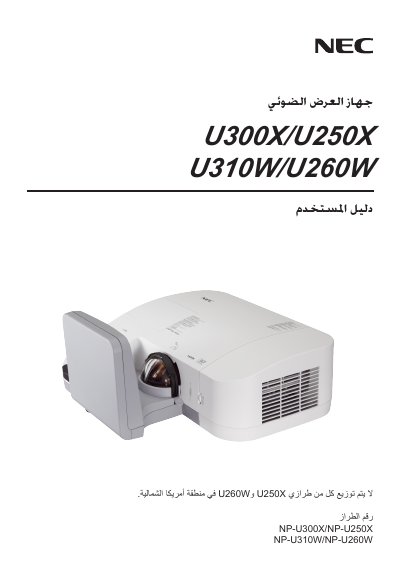
This manual provides instructions for installing, configuring, and operating NEC's U300X, U250X, U310W, and U260W projectors. It includes safety information, wiring diagrams, and step‑by‑step procedures for everyday use.
Key topics include lamp replacement when the lamp reaches the end of its usable life, adjusting fan mode, keystone correction, and aspect‑ratio settings. Troubleshooting tips and technical specifications are also provided to help maintain optimal performance. This manual is written in Japanese.
When the lamp has reached the end of its usable life, it must be replaced.
Select the desired fan mode from the projector’s menu using the Fan Mode setting.
Use the Keystone option in the menu to correct image distortion.
Choose the required aspect ratio via the Aspect Ratio menu item.