
This manual introduces the basic usage methods of NEC MultiSync MT1055/MT1050/MT850 LCD Projector, including power on/off, source selection, brightness and contrast adjustment, etc.
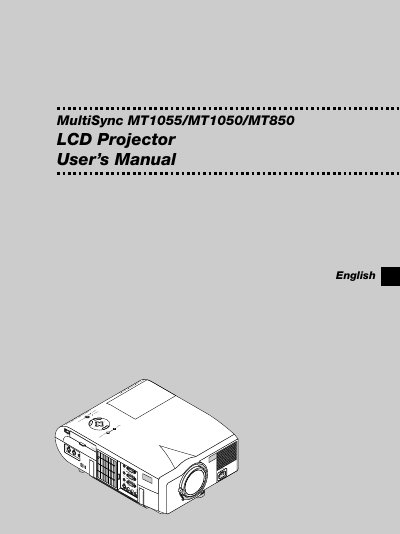
This manual introduces the NEC MultiSync MT1055, MT1050 and MT850 LCD projectors, covering safety precautions, installation options (tabletop, cart, ceiling), power requirements and basic handling. It explains how to connect video sources, use the remote control, and adjust image settings such as auto‑adjust, keystone correction and color temperature.
Later sections detail lamp replacement, cleaning, troubleshooting of common issues, and a full specifications table with electrical, optical and mechanical data. The document also includes wiring diagrams, PC control codes and a timing chart for supported video formats.
| Lamp type | 200 W NSH lamp |
|---|---|
| Power supply | 100‑120 V or 200‑240 V, 50/60 Hz AC |
| Laser classification | Class 2 |
| Maximum resolution | UXGA 1600 × 1200 |
| Maximum lamp output power | 1 mW |
Press and hold the power button for at least two seconds to turn the projector off.
Unplug the projector before cleaning and use a damp cloth or mild detergent; never use strong solvents or alcohol.