
TCN75 is a temperature sensor with programmable threshold and hysteresis. It works at 2.7V-5.5V and -55℃~125℃.
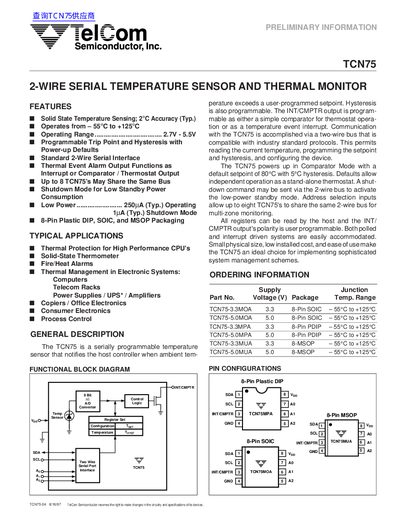
The TCN75 is a solid‑state 2‑wire serial temperature sensor and thermal monitor offering ±2 °C accuracy and programmable trip points. Typical applications include thermal protection for high‑performance CPUs, fire/heat alarms and temperature management in computers and telecom racks.
The device operates from 2.7 V to 5.5 V and communicates over a standard two‑wire bus compatible with industry protocols. It provides a programmable INT/CMPTR output that can function as an interrupt or comparator, supports up to eight devices on the same bus, and includes shutdown mode for low standby power.
| Operating Temperature Range | -55 °C to +125 °C |
|---|---|
| Standby Supply Current (Shutdown Mode) | 1 µA typ. |
| Active Supply Current (Serial Port Active) | 250 µA typ. |
| Serial Port Frequency | up to 400 kHz |
| Maximum Devices on Bus | 8 |
Up to eight TCN75 devices can be connected to the same bus.
The standby current in shutdown mode is typically 1 µA.
Yes, the INT/CMPTR output can be programmed to operate as either an interrupt or a comparator output.