
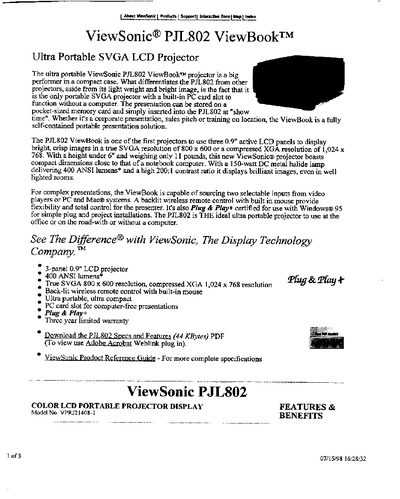
The PJL802 ViewBook is an ultra‑portable SVGA projector featuring three 0.9" active LCD panels, a 150‑watt DC metal‑halide lamp delivering 400 ANSI lumens, and a built‑in PC card slot for computer‑free presentations. It supports true SVGA (800 × 600) and compressed XGA (1024 × 768) resolutions, with a compact size comparable to a notebook.
This manual covers installation, user controls, input connections, environmental operating limits, and detailed technical specifications. It also includes warranty details and optional accessories such as a Macintosh kit.
| LCD Type | 0.9" Polysilicon, LCD panel (x3) |
|---|---|
| Pixel Format | 1,440,000 pixels (800 x 600 x 3) |
| Lamp | 150W DC metal halide (extended life) |
| Brightness | 400 ANSI lumens |
| Contrast Ratio | 200:1 |
| Weight | 11 lbs (5 Kg) |
| Dimensions | 9.5" x 5.9" x 12.8" |
| Power Consumption | 250W (Typical) |
| Input Signal | Video RGB analog (75 Ω, 0.7 Vp‑p) |
It uses a 150‑watt DC metal‑halide lamp with extended life.
The projector delivers 400 ANSI lumens.
Yes, it has a built‑in PC card slot that allows presentations to be stored on a memory card and played back without a computer.
It provides a 15‑pin mini D‑sub RGB connector, RCA video, and S‑Video (Mini‑DIN 4‑pin) inputs.