
The PJD6221 projector delivers bright, sharp images with excellent contrast ratio and color performance. It supports up to 120Hz frame rates and is ready for 3D.
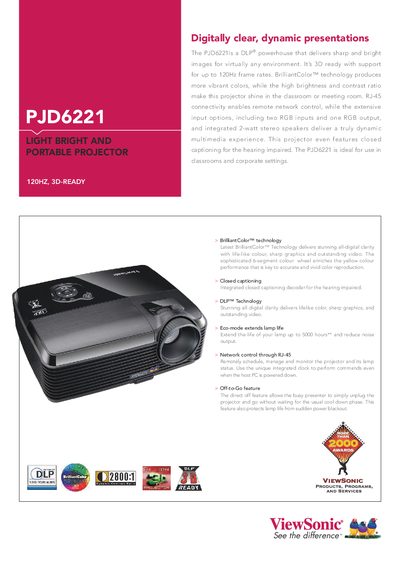
The ViewSonic PJD6221 is a DLP® projector featuring BrilliantColor™ technology, 3D‑ready performance up to 120 Hz, RJ‑45 network control, and built‑in stereo speakers. It offers a 0.55" DMD, up to 2700 lumens brightness, and a range of input options including RGB, composite, S‑Video and audio.
This manual covers installation, remote network control, lamp‑life management, keystone correction, menu navigation, and accessory connections. It also lists full technical specifications, safety guidelines, and warranty information.
| Display Type | 0.55" Digital Micromirror Device (DLP™) |
|---|---|
| Resolution | XGA 1024x768 (Native) / UXGA 1600x1200 (compressed) |
| Brightness | 2700 Lumens |
| Contrast Ratio | 2800:1 |
| Lamp Life (Normal / Eco) | 3500 / 5000 hours |
| Throw Ratio | 1.6:1‑1.9:1 |
| Keystone Correction | Vertical ±40° digital |
| Power Consumption (Typical) | 235 W |
| Weight (Net) | 2.66 kg |
The projector can be controlled over an RJ‑45 network connection, allowing you to schedule, manage, and monitor lamp status remotely.
The lamp lasts up to 3500 hours in normal mode and up to 5000 hours in Eco mode.
It includes two RGB 15‑pin mini‑D‑sub inputs, one RGB output, a composite RCA jack, an S‑Video 4‑pin mini‑DIN, and audio jacks (2 × 3.5 mm).
Use the vertical digital keystone correction feature, which adjusts the image by ±40 degrees.