
A basic introduction to taking pictures with your Nikon D70 digital camera, including basic settings and installation instructions
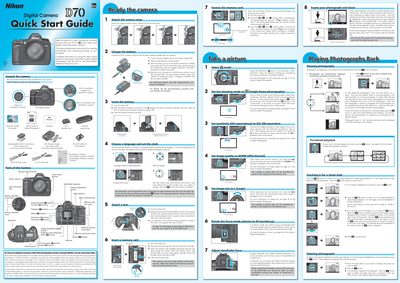
This guide walks you through unpacking the Nikon D70, attaching the strap, charging the EN‑EL3 Li‑ion battery with the MH‑18 quick charger, inserting the battery and memory card, and setting the language and clock. It also explains basic shooting operations such as selecting focus mode, ISO, image quality, and how to frame and capture photos.
The second part covers transferring images to a computer. It details installing the PictureProject software, supported operating systems (Windows XP/2000/98 SE/Me and Mac OS X), connecting the camera via USB, and using PictureProject to import, organize, edit, print or share your pictures.
| Battery type | EN‑EL3 Li‑ion |
|---|---|
| Battery charger model | MH‑18 quick charger |