
This document is the Nikon Digital Camera User Guide, which introduces the basic functions and operating methods of the camera.
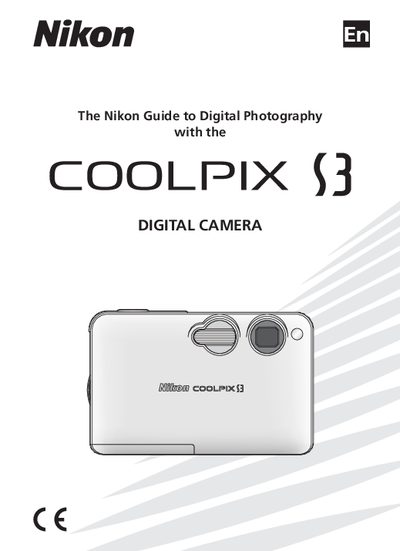
This manual begins with safety precautions, warning symbols, and handling instructions for the camera, its battery, AC adapter, and accessories. It explains how to attach the strap safely, avoid hazards such as smoke or unusual smells, and handle moving parts like the lens cover.
The guide then walks users through first‑step operations: inserting and charging the EN‑EL8 lithium‑ion battery, inserting SD memory cards, turning the camera on, and using basic photography functions such as scene modes, flash, self‑timer, and playback. Additional sections cover voice recordings, movies, printing via PictBridge, and connecting the camera to a TV or computer.
| Battery type | Nikon EN-EL8 lithium‑ion |
|---|---|
| Memory card type | Secure Digital (SD) |
| AC adapter model | EH-63 |
It uses rechargeable Nikon EN‑EL8 lithium‑ion batteries.
Never place the strap around the neck of an infant or child.
Unplug the AC adapter and remove the battery immediately.