
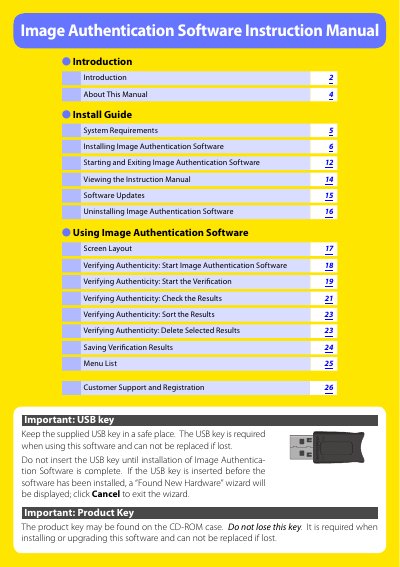
This manual explains how to install the Image Authentication Software, start and exit the program, and verify the authenticity of photos taken with supported Nikon DSLR cameras. It also covers system requirements, software updates, and uninstallation procedures.
Additional sections provide a detailed screen layout, menu functions, and customer support information, including registration and technical assistance contacts worldwide.
| CPU | Pentium 4, 1 GHz or better (or equivalent) |
|---|---|
| Operating System | Windows XP Home/Professional (SP2+) or Windows 2000 Professional (SP4+) |
| Hard‑disk space | 50 MB for installation, plus 200 MB when running |
| RAM | 512 MB or more (recommended) |
| Video resolution | 800 × 600 pixels or higher with 16‑bit color |
The USB key is required to run the Image Authentication Software; it must be kept safe because it cannot be replaced if lost.