
Reference Manual for the 54 Mbps Wireless Travel Router WGR101. This manual introduces the function, features, usage and configuration methods of the router.
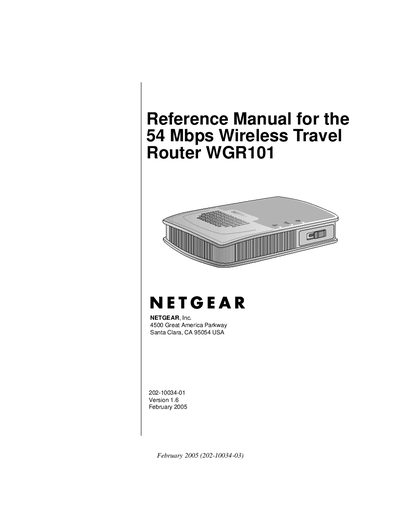
This reference manual covers everything needed to install and operate the Netgear WGR101 wireless travel router, including hardware overview, package contents, and regulatory compliance information. It explains how to connect the router to the Internet, configure wireless settings, and manage network features.
Additional sections detail security configuration, firmware upgrades, backup and restore procedures, and troubleshooting tips for common issues such as LED status, WAN connectivity, and wireless interference.
| Maximum wireless speed | 54 Mbps |
|---|---|
| Operating frequency | 2.4 GHz |
| Regulatory class | FCC Class B |
Use the restore default configuration option described in the manual to reset the router settings.
Select the option to change the administrator password in the router’s management menu.
The router supports WEP (Wired Equivalent Privacy) for wireless security.
Reorient or relocate the receiving antenna, increase separation from the receiver, or use a different circuit outlet.