
This product is a LCD screen hood designed for the Nikon COOLPIX2000. It can prevent light interference and allow you to clearly view the screen content in bright environments. The product can be easily disassembled and folded for storage.
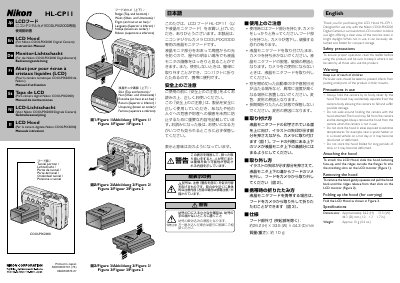
This leaflet thanks the user for purchasing the HL-CP11 LCD Hood and explains that the hood is designed exclusively for the Nikon COOLPIX2000 digital camera. It describes how the hood blocks light to keep the LCD screen visible in bright conditions and can be easily detached and folded for compact storage.
The document includes safety warnings, step‑by‑step instructions for attaching, removing, and folding the hood, and a brief technical data section that lists the hood’s dimensions and weight. It also provides multilingual captions for the illustrated figures.
| Dimensions | 26.2 mm (H) × 33.5 mm (W) × 44.3 mm (D) |
|---|---|
| Weight | 10 g |
Slide the hood with the lettering face‑up until the ridges on the flanges fit into the matching slots on the LCD monitor.
Gently squeeze the hood and pull it back until the ridges release from the slots on the LCD monitor.