
This document is the instruction manual for Nikon COOLPIX 900 digital camera
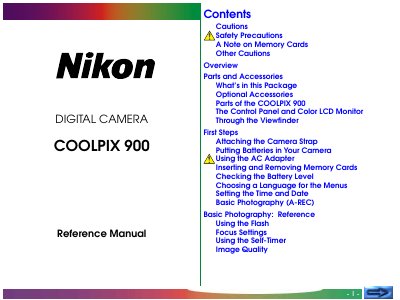
Thank you for buying a Nikon COOLPIX 900 digital camera. This reference manual explains how to set up the camera, use basic and advanced shooting modes, connect to a TV or computer, and maintain the device. It also includes safety precautions, battery handling, and troubleshooting tips.
The manual contains sections on parts and accessories, first steps, basic photography, advanced settings, playback, connections, caring for the camera, and a full specifications list, helping users get the most out of their COOLPIX 900.
| Effective pixel count | 1.25 million (1,290 × 966) |
|---|---|
| Maximum image resolution | 1,280 × 960 pixels |
| Lens | 3× optical zoom Nikkor aspherical glass lens |
| Power source | Four 1.5 V AA (LR6) alkaline batteries |
| Storage media | Removable Compact Flash memory card |
| Dimensions | 157 mm × 75 mm × 35 mm |
| Weight | ≈ 360 g (12.8 oz) without batteries |
The COOLPIX 900 uses Compact Flash flash‑memory cards.
Four AA (LR6) batteries are needed to operate the camera.
The camera can capture images up to 1,280 × 960 pixels.
Use the video output; separate models are available for NTSC and PAL standards.