
This document is a guide to digital photography with the En 5.6-16.8mm1:2.7-4.8 digital camera. It provides step-by-step instructions on using the camera, including camera setup, taking pictures in auto mode and scene mode, custom shots and movies, reviewing and deleting pictures, installing camera software, and transferring pictures to a computer. The camera offers various features and functions to meet different shooting needs.
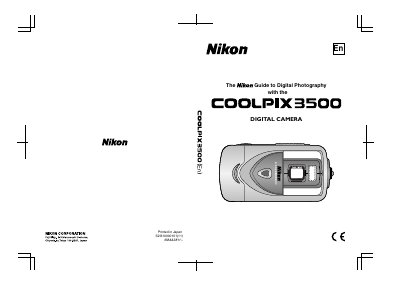
This manual covers everything you need to get started with the COOLPIX 3500, including unpacking, battery and memory‑card installation, basic camera controls, menu navigation, and step‑by‑step shooting tutorials. It also contains quick‑start guides, detailed explanations of shooting modes, and instructions for reviewing, deleting, and transferring images.
Safety precautions, battery handling, and optional accessories are described, followed by technical specifications and troubleshooting tips to keep the camera operating reliably.