
This document is the product documentation for the COOLPIX 990 digital camera, covering topics such as basic photography, advanced photography, playback, camera setup, and connections. It includes a fast track guide, safety information, menu guide, and guide to digital photography.
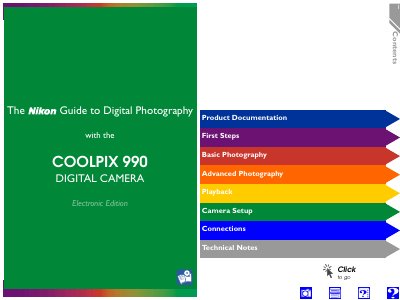
This guide walks new owners through the first steps of using the COOLPIX 990, including battery insertion, memory‑card placement, language selection, and basic camera controls. It then covers basic and advanced photography modes, playback functions, camera setup menus, and connection options for TV or computer.
The manual also contains technical notes on caring for the camera, detailed specifications such as sensor type, lens details, storage media, and power requirements, as well as troubleshooting tips and warranty information.
| Image sensor | 1/1.8" high‑density CCD, 3.34 million pixels |
|---|---|
| Lens | 3× Zoom‑Nikkor, f=8–24 mm (35 mm equiv. 38–115 mm) |
| LCD monitor | 1.8‑inch, 110,000‑dot TFT LCD |
Open the memory‑card slot and insert the card as shown in the First Steps section.
Use the video output terminal; the camera can output NTSC or PAL signals.
The camera has a 1.8‑inch TFT LCD with 110,000 dots.