
This is a safety instruction manual for the Nikon COOLPIX995 camera
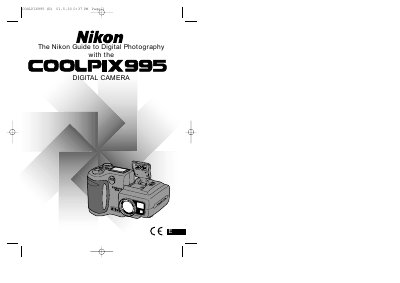
This manual covers essential safety precautions, battery handling, and memory‑card usage before you start shooting with the Nikon COOLPIX995. It also explains the camera’s controls, menu system, and connection options for accessories such as AC adapters, TVs, and computers.
Later sections guide you through basic and advanced shooting modes, autofocus, flash settings, image quality options, playback functions, and troubleshooting tips, ending with a specifications summary and optional accessories information.
It uses the supplied rechargeable Nikon EN‑EL1 lithium‑ion battery or a 6 V 2CR5 (DL245) lithium battery (available separately).
Turn the power off before inserting or removing CompactFlash memory cards; doing so with the power on could render the cards unusable.
Immediately unplug the AC adapter, remove the battery, and take the camera to a Nikon‑authorized service center for inspection.