
This document is the user guide for the HP Officejet 6500 (E709) All-in-One Series, providing instructions on how to use the product and important safety information.
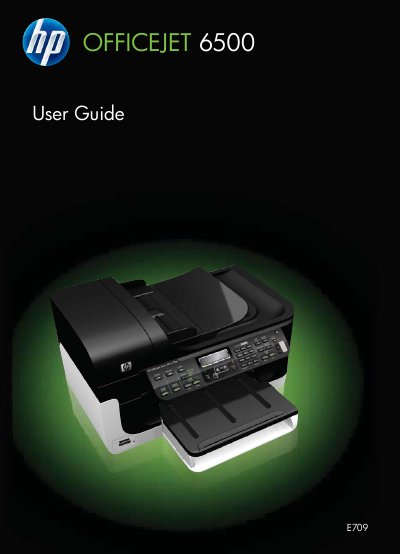
This manual provides step‑by‑step instructions for installing and operating the HP Officejet 6500 (E709) All‑in‑One printer. It includes safety information, device parts description, connection options, and software installation for both Windows and macOS.
The guide also details how to print, scan, copy, and fax documents, manage media and ink cartridges, configure network and wireless settings, and troubleshoot common issues such as power problems, paper jams, and print quality defects. This manual is written in Polish.
| Supported media sizes | Various (see specifications) |
|---|---|
| Voltage requirements | See Electrical specifications |
Make sure the power cord and other cables are firmly connected to a functioning AC outlet and that the device is turned on.
The media may not meet HP specifications; use media that meets the required moisture and surface quality.