
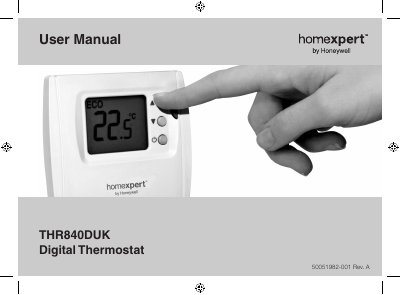
This manual explains how to install, configure, and use the THR840DUK digital thermostat. It includes a quick‑start guide, detailed operation instructions, wiring diagrams, and battery replacement steps.
Safety warnings, installer setup functions, and warranty information are also provided to help ensure proper and safe operation of the thermostat. This manual is written in Chinese.
| Battery type | 2 × AA alkaline batteries |
|---|---|
| Frost protection temperature range | 5 °C – 16 °C |
| ECO mode default temperature | 18 °C |
| Maximum target temperature | 35 °C |
| Minimum target temperature | 5 °C |
| Electric heat load (low) | < 3 A |
| Electric heat load (high) | 3 – 8 A |
Open the thermostat cover, remove the old batteries and insert two fresh AA alkaline batteries, then replace the cover.
Press and hold the p and q buttons together for about 5 seconds, and ensure the heating/cooling option is set to 1 in the installer setup.
ECO mode overrides the normal temperature setting for 1 to 24 hours to reduce heating or cooling costs when you are away.
When the thermostat is off, frost protection keeps the indoor temperature at a minimum of 5 °C (adjustable up to 16 °C) to prevent freezing.