
T6570, T8570 Series Digital Fan-Coil thermostats provide line voltage on/off control for fans, valves, compressors or auxiliary electric heaters in fan-coil and small air-conditioner applications. Models are available for control of single stage air-conditioner and various fan-coil units.
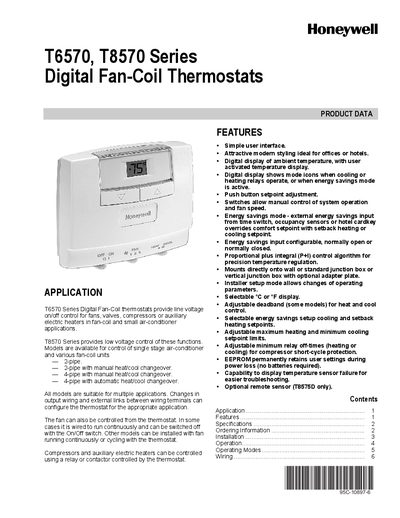
The Honeywell T6570 and T8570 series are digital fan‑coil thermostats for line‑voltage (T6570) or low‑voltage (T8570) control of fans, valves, compressors and auxiliary heaters in fan‑coil and small air‑conditioner applications. The handbook covers product features, wiring, mounting, and operating modes such as Comfort and Energy Savings.
The manual provides detailed installation instructions, wiring diagrams, parameter programming via Installer Setup Mode, and technical specifications including supply voltages, temperature ranges, and relay outputs. It also includes ordering information and safety cautions for proper installation.
| Setpoint Range | 10°C to 30°C (50°F to 90°F) |
|---|---|
| Operating Temperature Range | 5°C to 45°C (41°F to 113°F) |
| Humidity Range | 5 % to 95 % RH, non‑condensing |
| Relay Output Type | 1 SPDT or 2 SPST relay outputs (model dependent) |
| Contact Life | 100,000 cycles (120 Vac) |
The T6570 series are line‑voltage powered devices and must be connected to the appropriate line voltage (e.g., 120 V, 230 V, 277 V).
The T8570 series must be powered by an approved 24 Vac, Class 2 transformer.
Reduce the temperature setpoint to 10 °C (or 50 °F), wait 3 seconds or until the room temperature is displayed, then press the [UP] and [DOWN] keys simultaneously for about 3 seconds.