
This document is the PJP-25UR Conference Microphone Speaker User's Manual, which introduces the connection, basic operation, use of PJP-25UR Controller, use of the latest features, troubleshooting and other contents of the product.
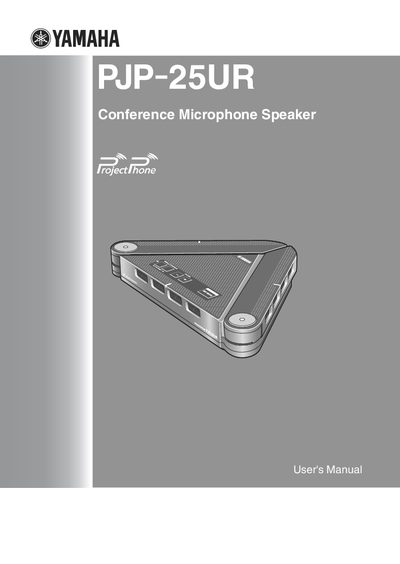
This manual covers everything needed to install and use the Yamaha PJP-25UR conference microphone and speaker. It explains how to connect the unit to a computer via the supplied USB cable, configure settings with the controller software, and adjust audio functions such as microphone mute and volume.
Additional sections describe system requirements, firmware updates, shortcut key configuration, and troubleshooting tips for common issues like LED indicators or audio problems. The specifications page lists technical details including interface types, power consumption, dimensions, and environmental limits.
| Interface | USB 2.0 (full), Analog I/O (stereo‑mini), 4 units x 3 lines |
|---|---|
| Operating temperature | 0 to 40 °C (32 to 104 °F) |
| Humidity range | 20 % to 85 % |
| Dimensions (W × H × D) | 229 mm × 34 mm × 152 mm |
| Power source | USB bus power, Self power |
| Operating system requirement | Windows Vista, XP Professional/Home, or 2000 |
| CPU requirement | 750 MHz or higher (Intel Pentium/Celeron equivalent) |
Use the supplied USB cable to connect the unit directly to a USB 1.1 or later port; the driver installs automatically.
Press the MIC MUTE button to temporarily turn off the microphones; press it again to unmute.
Hold down MENU/PC and SHORTCUT at the same time to reset the unit's settings.