
This document is about the user manual for Yamaha 01X and Yamaha 01V96 digital audio mixing desks. The manual covers topics such as installation, startup, MIDI settings, parameter adjustment, channel pairing, and using the Matrix Mixer software for audio mixing.
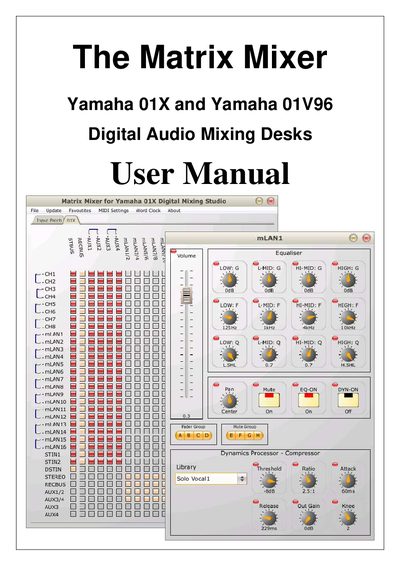
This manual introduces the Matrix Mixer software that provides an intuitive interface for routing audio sources to destinations, processing audio at the source or destination, and managing MIDI settings for Yamaha 01X and 01V96 digital mixing desks. It covers the three‑step workflow of routing, source processing, and destination processing, and explains how the software mirrors the state of the hardware.
The guide details Windows and Mac installation procedures, startup steps, MIDI port configuration, patch creation, parameter adjustment, custom surface creation, and how to save or load mixer states. It also describes how to use the favourites area and access on‑screen help for each control.
Run the installer, click “Next”, choose the installation folder (or accept the default), and click “Install”.
Double‑click the installation file, then follow the prompts by clicking “Continue” and selecting the destination volume.
In the MIDI Settings window you can select the MIDI output port, the MIDI input port, the input and output channels, and the device number of the mixing desk.
Right‑click (or ctrl‑click on Mac) a source in the matrix to open its processing screen, where you can control volume, equalization, pan, dynamics, and fade/mute grouping.
Use the “Save” and “Load” options in the File menu to store or retrieve a file containing the current 01X mixer state.