
This document is the user manual for YAMAHA MW8CX/MW10C
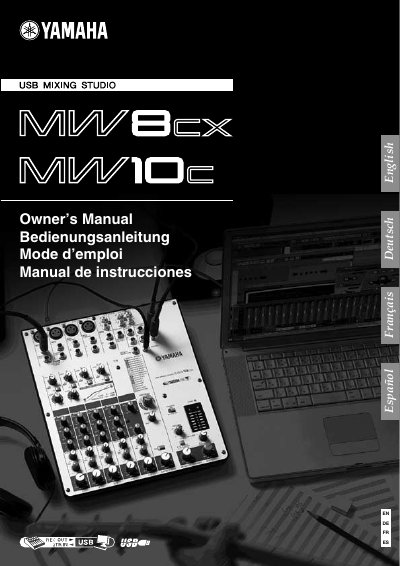
The Yamaha MW8CX/MW10C USB Mixing Studio is a compact audio mixer with a built‑in USB interface for digital audio transfer and bundled Cubase AI4 software. This manual provides safety guidelines, power‑supply instructions, and detailed steps for connecting the mixer to a computer and using its mixing functions.
Key topics include power‑up procedures, phantom‑power usage, input configurations (8 inputs for the MW8CX, 10 for the MW10C), USB connection details, and troubleshooting tips. System requirements for Windows and Macintosh computers, as well as software installation instructions, are also covered.
| Model | MW8CX/MW10C |
|---|---|
| Number of inputs | 8 inputs (MW8CX) / 10 inputs (MW10C) |
| Phantom power | +48 V |
| Power adaptor model | PA-10 (included) |
| Driver requirement | No driver installation required |
The MW8CX can handle up to 8 inputs.
Use the included AC power adaptor (PA-10) or an equivalent recommended by Yamaha.
No, the mixer uses the standard drivers included in the computer’s operating system.
Turn on the PHANTOM switch when using condenser microphones; keep it off for other sources.