
M7CL StageMix User Guide
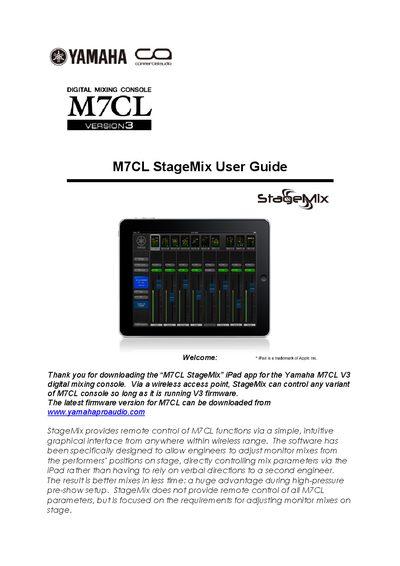
This guide covers the system requirements and Wi‑Fi configuration needed to connect an iPad running the StageMix app to a Yamaha M7CL digital mixing console with V3 firmware. It walks through network setup, iPad Wi‑Fi settings, and how to add and select a mixer within the app.
The manual also describes the main StageMix interface, including the Mixer window, channel names, faders, and EQ controls, and provides troubleshooting steps for common connection problems such as "No WiFi Available" or "Connection Lost".
| Required iPad | Apple iPad (any model) |
|---|---|
| Required console firmware | M7CL V3 firmware |
| Wi‑Fi access point | 802.11n (2.4 GHz or 5 GHz preferred) |
| Network cable | CAT5 cable |
Open Settings > Wi‑Fi, select the network, tap the info icon, choose Static, then enter an IP address in the same range as the console (e.g., 192.168.0.127) and set the subnet mask to 255.255.255.0.
Make sure the iPad is connected to a Wi‑Fi access point and that Wi‑Fi is turned on; review the Wi‑Fi hardware configuration in sections 2.0 and 3.2.
StageMix has lost its link to the M7CL console; it will attempt to reconnect automatically and resume operation once the connection is restored.