
AD626 is a low cost, true single-supply differential amplifier designed for amplifying and low-pass filtering small differential signals.
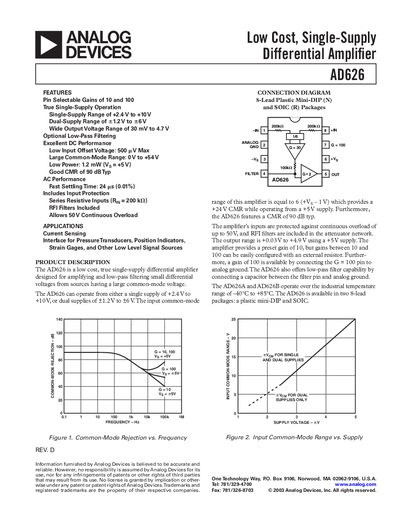
The AD626 is a true single‑supply differential amplifier designed for amplifying low‑level differential signals with a large common‑mode voltage. It provides pin‑selectable gains of 10 or 100, low input offset voltage, and optional low‑pass filtering, making it suitable for current‑sensing, bridge, and pressure‑transducer applications.
The datasheet lists detailed electrical specifications, absolute maximum ratings, ordering information, and typical performance graphs such as gain‑vs‑frequency, common‑mode rejection, and quiescent current. Package options include an 8‑lead plastic DIP and an 8‑lead SOIC, both compliant with JEDEC standards.
| Selectable Gain | 10 or 100 |
|---|---|
| Input Offset Voltage | 500 pV max |
| Common‑Mode Voltage Range | 0 V to +54 V |
| Single‑Supply Voltage Range | +2.4 V to +10 V |
| Dual‑Supply Voltage Range | +1.2 V to +6 V |
The AD626 provides pin‑selectable gains of 10 or 100.
The device has a low input offset voltage of 500 pV maximum.
It operates from a single supply of +2.4 V to +10 V or a dual supply of +1.2 V to +6 V.