
This manual describes the use of Edge ™ 205/305 GPS computer, including installation, battery, settings, usage, connection, troubleshooting, etc.
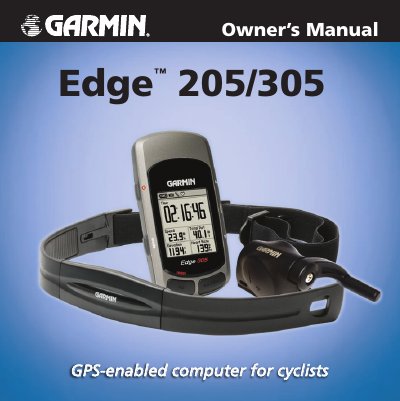
This manual provides step‑by‑step instructions for charging the Edge, installing sensors, configuring profiles and creating workouts. It also covers navigation features such as maps, routes and location marking.
Additional sections describe data fields, battery specifications, warranty information and software licensing, helping users get the most out of their Edge 205/305 cycling computer.
| Battery type | Built‑in lithium‑ion |
|---|---|
| Battery life | Approximately 12 hours |
| Charging temperature range | 0 °C‑50 °C (32 °F‑122 °F) |
The Edge can run for approximately 12 hours before it needs to be recharged.
Charging is only allowed between 0 °C and 50 °C (32 °F‑122 °F).
Press and hold the power button to turn the unit on or off.
Connect the included A/C charger to the mini‑USB port under the weather cap and plug it into a wall outlet; charge for at least three hours.