
ASUS T5-P5G41E Desktop Barebone manual, including product features, usage methods, etc.
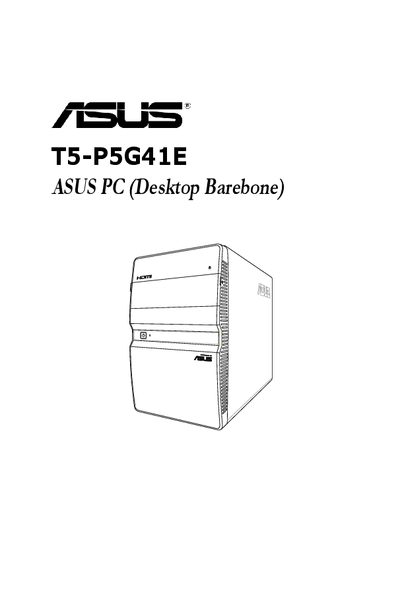
This guide introduces the ASUS T5-P5G41E barebone desktop, describing the system package contents, front and rear panels, internal components, and safety precautions. It also explains the conventions used throughout the manual and provides warranty and regulatory notices.
The manual covers starting up the system, installing drivers from the support DVD, detailed motherboard layout, jumper settings, connector locations, and BIOS setup procedures, including how to save, discard, or restore default BIOS settings.
| Power supply | Peak 380W PFC |
|---|---|
| Maximum operating temperature | 35°C |
| Front I/O | Front I/O card and 3‑in‑1 storage card reader |
Disconnect the power cable from the electrical outlet before relocating the system.
Press F10 to save the changes and exit the BIOS setup.
Do not attempt to fix it yourself; contact a qualified service technician or retailer.
Only replace the battery with the same or equivalent type recommended by the manufacturer to avoid explosion risk.