
This document is the user manual for the Xonar HDAV 1.3 (Deluxe) Audio/Video enhanced combo card. The manual describes the features and characteristics of the product.
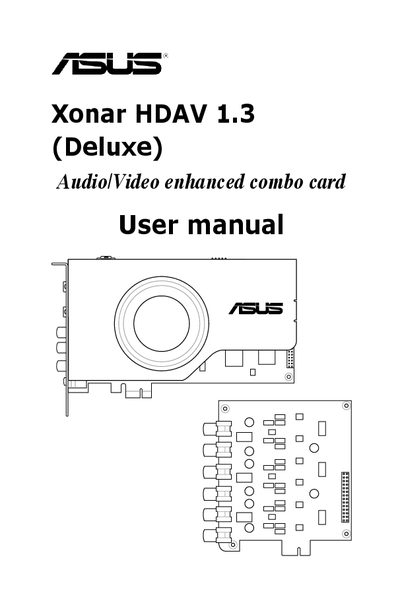
This manual covers the ASUS Xonar HDAV 1.3 high‑definition audio/video PCI‑Express card, its hardware components, required system specifications, and the included accessories such as the H6 DAC extension board and cables. It guides users through installing the card, connecting speakers, headphones, and digital audio sources, and configuring the driver and software utilities.
Key sections include a hardware overview, step‑by‑step installation, software driver installation, detailed connector descriptions, audio and video processing features, the Xonar HDAV Center GUI, ASUS GamerOSD configuration, RMAA testing, and a troubleshooting/FAQ chapter.
| Audio Processor | ASUS AV200 High‑Definition Audio Processor (Max. 192 kHz/24‑bit) |
|---|---|
| Video Processor | ASUS Splendid HD Video Processor |
| Output Signal‑to‑Noise Ratio (A‑Weighted) | Up to 120 dB for all channels |
| Input Signal‑to‑Noise Ratio (A‑Weighted) | Up to 118 dB |
| Input Total Harmonic Distortion + Noise at 1 kHz | Up to 0.003 % (‑110 dB) |
| Frequency Response (‑3 dB, 24‑bit/96 kHz input) | <10 Hz to 46 kHz |
| Supported Sample Rates | 44.1 kHz / 48 kHz / 96 kHz / 192 kHz @ 16‑/24‑bit PCM |
| PCI Express Compatibility | Rev. 1.0a, compatible with X1, X4, X8, X16 slots |
| HDMI Output | Type A connector (1 port) |