
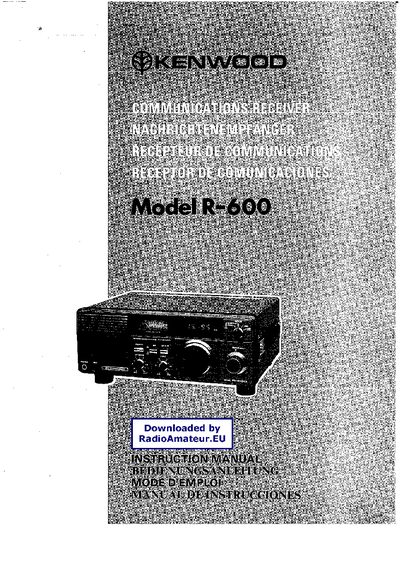
This manual covers the installation and initial setup of the Kenwood R-600 receiver, including power selection, grounding, and antenna connection. Detailed descriptions of the front‑panel controls, rear‑panel connectors, and optional accessories such as external speakers and headphones are provided.
Operating instructions explain how to select frequency bands, use the mode and RF attenuator switches, enable the noise blanker, and mute the unit when used with a transmitter. Technical specifications, dimensions, and power requirements are listed for reference, and a separate section describes the DCK‑1 DC power kit for use with the R‑1000 model.
| Frequency range | 150 kHz – 30 MHz |
|---|---|
| Supported modes | AM, SSB, CW |
| Audio output | 1.5 W into 8 Ω |
| Power requirements | 100 V / 120 V / 220 V / 240 V AC, 50‑60 Hz |
| Weight | 4.5 kg |
| RF attenuator | 20 dB attenuation |
Use the voltage selector switch on the rear panel to match your local line voltage (100 V, 120 V, 220 V or 240 V AC).
The RF ATT switch attenuates the incoming signal by 20 dB, useful for very strong stations.