
This manual will show you how to use your FUJIFILM DIGITAL CAMERA FinePix S5100/FinePix S5500 correctly.
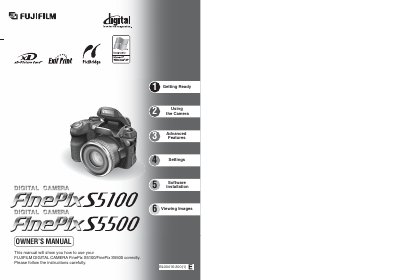
The Fujifilm FinePix S5100/S5500 Owner's Manual provides step‑by‑step instructions for preparing the camera, attaching accessories, loading batteries and media, and navigating basic and advanced shooting functions. Safety notes, FCC/ICES compliance, and warranty information are also included.
Key sections cover Getting Ready, Using the Camera, Advanced Features, Software Installation, Viewing Images, Power Supply and Batteries, and Troubleshooting. The guide also details how to connect the camera to a PC, TV, or printer and how to use the included FinePixViewer software.
| Battery type | AA-size alkaline (LR6) or AA-size Ni‑MH |
|---|---|
| Memory media | xD‑Picture Card |
| Power input | DC IN 5 V (power input) socket |
Attach the lens cap to the strap and press both sides of the cap to secure it to the lens.