
The SRP1101 is a universal remote control from Philips that allows you to operate the most-used functions of almost any brand of TV.
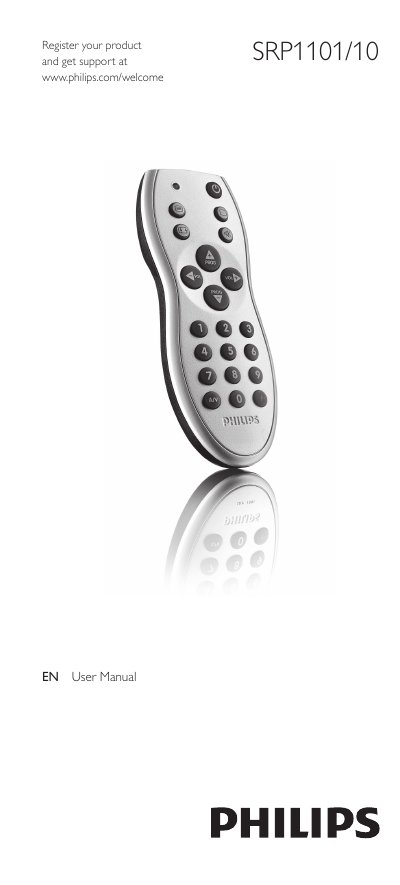
This manual guides you through the initial setup of the Philips SRP1101/10 universal remote control, including battery installation, entering setup mode, and programming the remote for various TV brands using a 4‑digit code. Detailed steps show how to insert the batteries, activate setup mode, and verify that the remote controls your TV.
The document also covers button functions, how to reset a button to its original function, battery replacement, and a FAQ section that addresses common issues such as unresponsive buttons, missing codes, and troubleshooting tips for optimal operation.
| Battery type | 2 AAA |
|---|---|
| Maximum setup time | up to 15 minutes |
Open the battery compartment and insert 2 AAA batteries with the correct polarity (+ and –).
Press and hold the buttons for 5 seconds until the green Setup light blinks, then press the digit buttons in order as shown to restore the original function.
Replace the batteries (see chapter 2.1), ensure the button exists on the original remote, and try improving the button or resetting the remote as described.
Turn the TV on, press and hold the Setup buttons for 5 seconds, look up the 4‑digit code for your TV brand, and enter it using the digit buttons.