
This is the installation manual for the Panasonic KX-TGA450 digital cordless handset
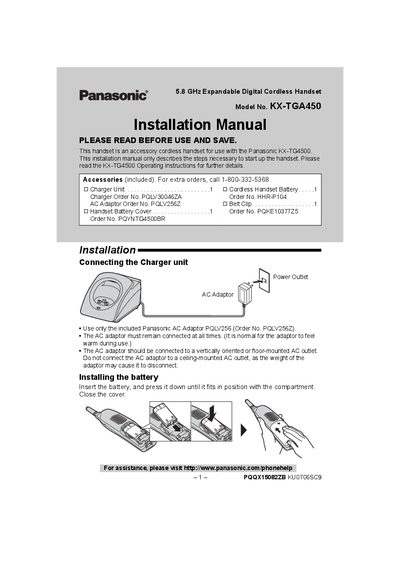
This installation guide explains how to set up the Panasonic KX‑TGA450 cordless handset that works with a KX‑TG4500 base unit. It includes instructions for connecting the charger, installing and charging the battery, registering the handset, selecting the display language, and attaching optional accessories such as a headset or belt‑clip.
Key steps include using the supplied Panasonic AC adaptor (PQLV256), charging the handset for about 7 hours before first use, registering the handset to obtain an extension number, and following safety warnings for battery handling and FCC compliance.
| Talk time (full charge) | Up to 15 hours |
|---|---|
| Standby time (full charge) | Up to 7 days |
| Initial charge time | 7 hours |
| Battery type | Nickel metal hydride (recyclable) |
It takes about 7 hours to fully charge the battery before initial use.
A fully charged battery provides up to 15 hours of talk time.
The handset can remain in standby for up to 7 days on a full charge.