
ViewSonic VA926g LCD Display User Guide, introduces the installation and use of the monitor, as well as warranty information for the monitor.
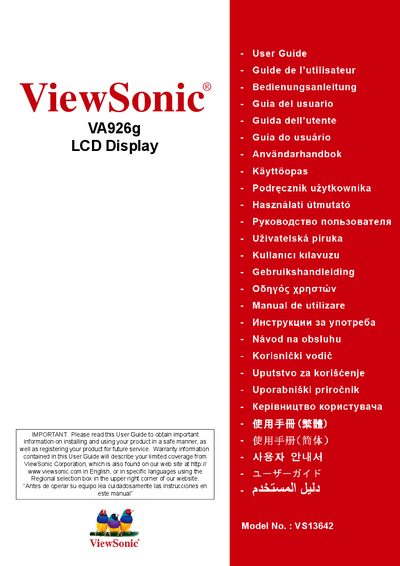
This user guide covers important safety instructions, environmental compliance, and proper handling of the ViewSonic VA926g LCD display. It includes details on FCC, CE, and RoHS compliance, as well as guidance for installation, wall‑mounting, and basic operation.
The guide also provides quick‑start information, menu navigation, image‑adjustment settings, cleaning procedures, and warranty contacts for both the United States and Mexico. Registration and recycling instructions are included to help users maintain compliance and receive future support.
| Lead (Pb) concentration | <0.1% |
|---|---|
| Mercury (Hg) concentration | <0.1% |
| Cadmium (Cd) concentration | <0.01% |
| Hexavalent Chromium (Cr⁶⁺) concentration | <0.1% |
| Model number | VS13642 |
Register the product online at www.viewsonic.com or use the ViewSonic Wizard CD‑ROM to print and mail the registration form.