
ViewSonic VG930m LCD Display User Manual, introduces the features and characteristics of the display, including function keys, installation, settings, etc.
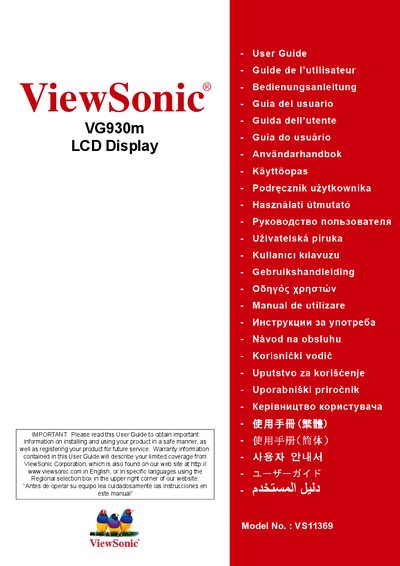
This guide covers important safety instructions, compliance information, and environmental certifications for the VG930m LCD display. It explains how to install the unit, including wall‑mounting options, and provides detailed instructions for adjusting screen settings, timing mode, and dynamic contrast.
Additional sections describe cleaning procedures, warranty terms, and how to register the product for service. The manual also includes FCC and CE compliance details, as well as TCO'03 ergonomic and energy‑saving features.
| Model Number | VS11369 |
|---|
Read the instructions completely before use, keep the unit away from water, do not block ventilation, and use only approved accessories.
If interference occurs, try re‑orienting the antenna, increasing separation between devices, or connecting the display to a different circuit.
The display is covered by a limited warranty as described in the manual.