
PJD6241 NETWORKABLE PORTABLE PROJECTOR 120HZ AND 3D-READY SHINE BRIGHT, ANYWHERE
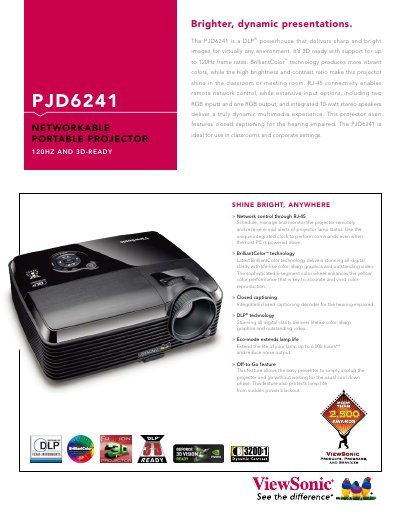
The ViewSonic PJD6241 is a DLP‑based portable projector designed for classrooms and corporate settings. It offers 3,200 lumens brightness, 3200:1 contrast, 120 Hz 3D support, and integrated stereo speakers, with RJ‑45 network control and multiple RGB inputs and output.
This manual covers safety guidelines, installation, network configuration, detailed specifications, operation controls, maintenance procedures, and warranty information, helping users get the most out of the projector.
| Contrast Ratio | 3200:1 (dynamic) |
|---|---|
| Brightness | 3,200 Lumens |
| Lamp Life (Eco‑mode) | 6,000 hours |
| Resolution | XGA 1024x768 (Native) |
| Throw Ratio | 1.7–2.1:1 |
| Weight | 5.9 lb (2.68 kg) |
| Power Consumption | 305 W (typ) |
| Dimensions | 11 × 4.5 × 8.6 in |
| Network Interface | RJ‑45 Ethernet |
| Audio Output | 5 W × 2 speakers |
Use the RJ‑45 Ethernet port to schedule, manage, and monitor the projector, and receive e‑mail alerts of lamp status.
The projector delivers 3,200 lumens of brightness.