
This is a user guide that introduces the use of ViewSonic ® VX2433wm LCD Display.
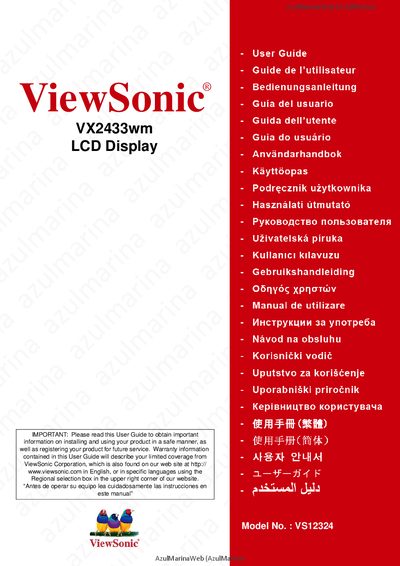
This guide begins with important safety instructions, compliance information and product registration details for the ViewSonic VX2433wm 23.6‑inch LCD display. It also covers environmental disposal and warranty information.
The manual then walks you through quick installation, cable connections, timing mode setup, OSD settings, screen‑image adjustment, and troubleshooting, helping you get the display up and running safely and efficiently.
| Display size | 23.6 inches |
|---|---|
| Resolution (example) | 1920 x 1080 @ 60 Hz |
| Model | VX2433wm |
Read all instructions completely, keep them safe, heed all warnings, avoid water, clean with a soft dry cloth, and do not block ventilation openings.
The package contains the LCD display, power cord, audio cable, D‑Sub cable, DVI cable, the ViewSonic Wizard CD‑ROM and a Quick Start Guide.