
This document describes how to configure the ARF45-Pro for data transfer
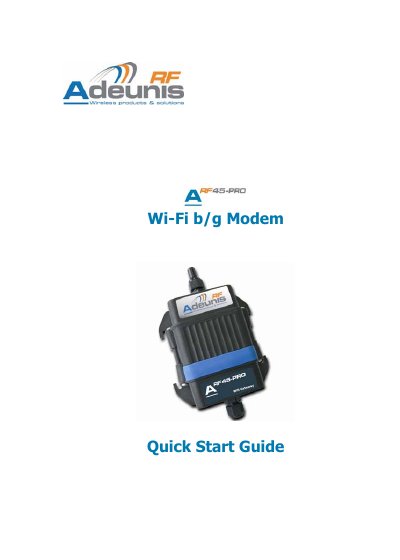
The guide provides the necessary steps to set up the ARF45-PRO modem, which ships with default factory settings and complies with the RTTE Directive 99/5/EC (EMC, safety and radio requirements). It also includes the declaration of conformity and product specifications.
Configuration is performed via the embedded web server: connect the modem to a DHCP‑enabled Wi‑Fi access point (no security, SSID "Lantronix Initial Infra Network"), power it on, then open a browser, enter the assigned IP address, and log in with the default credentials (admin / PASS). Data transfer uses the built‑in TCP server listening on port 10001, and the device can be managed through serial, telnet or web interfaces.
| RF Frequency range | 2.412 – 2.484 GHz |
|---|---|
| Radiated RF power | +15 dBm |
| Sensitivity | -91 dBm @ 1 Mbps |
| Wi‑Fi standards | 802.11b/g |
| Security modes | WEP‑64, WEP‑128, WPA/WPA2‑Personal, WPA/WPA2‑Enterprise |
| Radio data rate | Up to 54 Mbps |
| Power supply | 8 V to 36 V (integrated regulator) |
| Operating temperature | -30 °C to +70 °C |
The ARF45-PRO acts as a TCP server on port 10001.
It operates from 8 V to 36 V using an integrated regulator.
The device supports WEP‑64, WEP‑128, WPA/WPA2‑Personal (PSK) and WPA/WPA2‑Enterprise (EAP‑TLS, EAP‑TTLS, PEAP, LEAP).