
iDCS Keyset User Guide for OfficeServ™ 100, OfficeServ™ 500 and OfficeServ™ 7000 Series, this is a user manual for iDCS Keyset, covering assembly, installation, operation and other content.
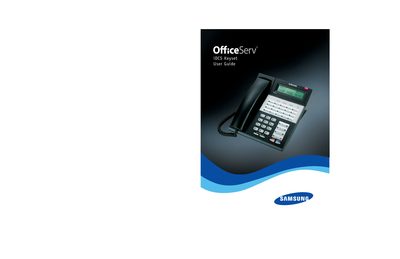
This guide provides instructions for installing, configuring, and operating the Samsung OfficeServ iDCS keyset used with OfficeServ 100, 500 and 7000 series telephone systems. It explains default feature access codes, keyset assembly, and how to customize settings.
The manual covers call processing (outside calls, intercom, conference, forwarding), dialing features, paging, messaging, convenience functions such as Do Not Disturb, and detailed descriptions of display and subscriber service menus. It also lists feature access codes for line groups and programmed messages.
| Supported OfficeServ series | 100, 500, 7000 |
|---|---|
| Keyset models with extra features | 28D, 18D |
Refer to the "Making an Outside Call" section in the guide for step‑by‑step instructions.
Use the Do Not Disturb feature described under the Convenience Features chapter.
The guide lists codes such as 9 for Local/LCR pick‑up, 800 for Pick Up a Parked Call, and others in the Line Groups Feature Access Codes section.