
This is a basic user guide for SMT-i3105 phone, introducing the functions and usage of the phone.
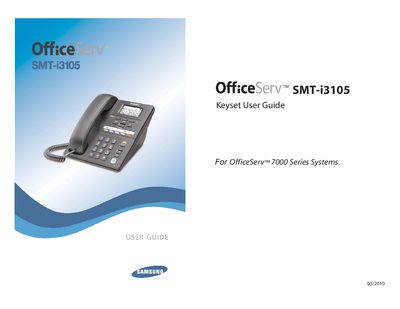
This guide covers everything needed to install and use the Samsung SMT-i3105 telephone keyset, part of the OfficeServ 7000 Series. It explains how to connect power (via PoE or a separate 5 V adapter), attach the LAN cable, and secure the handset and base. Safety cautions and preparation steps are listed before installation.
The manual then details phone functions, including the LCD screen layout, soft keys, status indicators, and feature access codes. It describes frequently used operations such as placing calls, transferring, conferencing, and using voicemail, as well as advanced system features like call park, busy line queuing, and email gateway integration.
| Power supply | PoE (802.3af) or 5 V DC adapter |
|---|---|
| Power adapter | Supplied separately |
The phone can be powered via PoE (802.3af) through its LAN port, or with a separate 5 V DC power adapter if PoE is not supported.
Plug an RJ45 LAN cable into the phone’s LAN port; do not use the PC connection port.