
This document is a user manual for Nikon cameras, providing information on camera features, operating instructions, and troubleshooting methods.
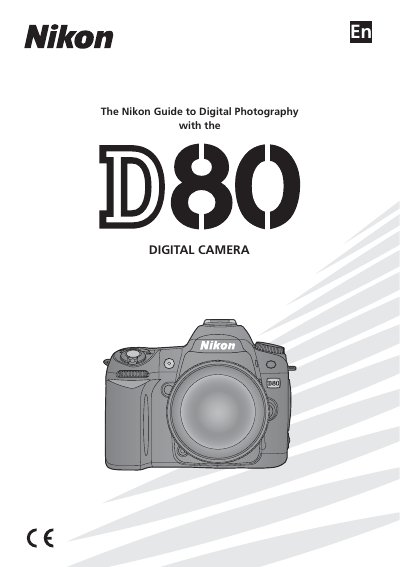
This manual introduces the Nikon D80 camera, covering basic setup, menu navigation, and essential safety precautions. It explains how to attach lenses, insert batteries and memory cards, and configure initial settings such as date, time, and image quality.
The guide then details shooting options, flash usage, autofocus modes, and creative functions, followed by playback features, connecting the camera to a TV, computer, or printer, and troubleshooting common error messages. Technical specifications and optional accessories are listed at the end.
| Battery model | EN-EL3e |
|---|---|
| Supported memory cards | Approved memory cards |
| LCD brightness adjustment | Adjustable via menu |
See pages 9–10 for instructions on navigating the camera menus.
Refer to page 11 for steps on attaching a lens to the D80.
Battery charging and insertion procedures are described on page 12.