
This document introduces the use and setup methods of the Nikon D70/D70s camera, including ISO, white balance, etc.
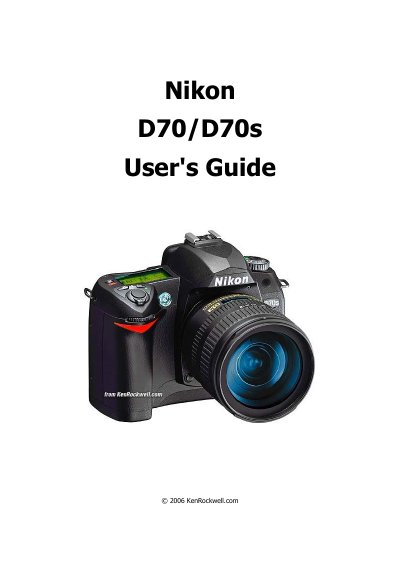
This guide walks you through the basic operation of the Nikon D70 and D70s digital cameras, covering exposure modes, ISO settings, white balance, image quality, and flash options. It also details each button and knob on the front and back of the camera, helping users understand how to adjust focus, metering, and playback functions.
In addition to basic controls, the manual describes menu navigation for both shooting and playback, explains custom functions such as Optimize Image, and provides tips for using flash sync modes, power management, and card formatting. The information is presented in a straightforward, step‑by‑step style aimed at both beginners and more experienced photographers.
| Maximum JPEG image size | 3,008 × 2,000 |
|---|---|
| ISO range used in guide | 200‑1,600 |
| Exposure modes available | P, S, A, M |
| Power switch position label | ON |
Press the ISO button and turn the rear dial; the guide shows using ISO 200, 400, 800 or 1,600 depending on lighting.
Hold the flash button on the left side of the flash hump and spin the rear dial until REAR mode appears on the top LCD.
Hold the green dot button together with the green dot button on the top left of the back of the camera to reset most controls.
Hold the backlight button together with the rectangle button on the back of the camera; the LCD will show “For”, then press both again to complete formatting.