
This is a Nikon Z6 camera user manual, covering the camera's usage methods and function descriptions
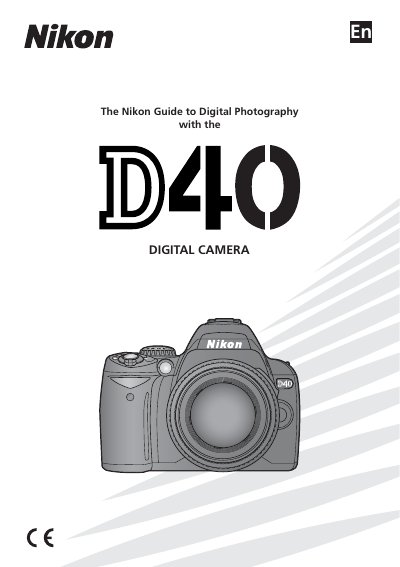
This manual introduces the Nikon D40 digital camera, covering basic setup steps such as attaching a lens, charging and inserting the battery, and inserting memory cards. It explains the shooting and playback menus, focus modes, image quality settings, and how to connect the camera to a computer, printer, or TV.
Safety precautions, handling of batteries and the power adapter, and troubleshooting guidance are included. The manual also lists optional accessories, firmware information, and an index for quick reference.
Do not look at the sun or other strong light source through the viewfinder, as it could cause permanent visual impairment.
Keep the cable dry, remove dust with a dry cloth, and do not handle the plug with wet hands.