
This document describes the simplified block diagram and features of AVR Butterfly, including ATmega169 AVR microcontroller, 100-segment LCD display, 4Mbit Dataflash, 32kHz oscillator for RTC, 4-way directional button, light sensor, temperature sensor, speaker for sound generation, etc.
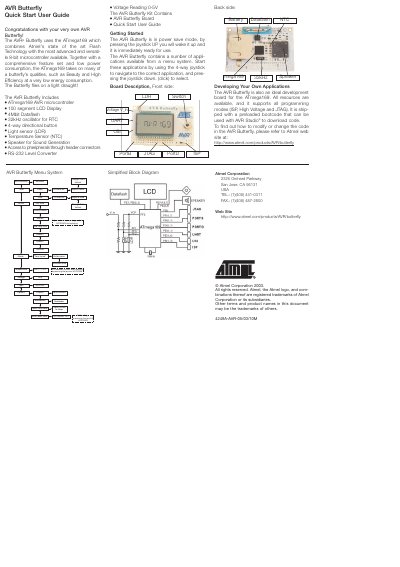
The AVR Butterfly is a compact development board built around the ATmega169 8‑bit microcontroller. It includes a 100‑segment LCD, 4 Mbit DataFlash, a 32 kHz RTC oscillator, a 4‑way joystick, light and temperature sensors, a speaker, and an RS‑232 level converter.
The guide shows how to power up the board, navigate the built‑in menu with the joystick, run demo applications, adjust settings such as volume, clock, date, and temperature units, and enter the bootloader or power‑save mode.
| Microcontroller | ATmega169 |
|---|---|
| Display | 100 segment LCD |
| Dataflash | 4 Mbit |
| Oscillator | 32 kHz for RTC |
| Joystick | 4‑way directional button |
| Light sensor | LDR |
| Temperature sensor | NTC |
| Speaker | Sound generation speaker |
| Level converter | RS‑232 |
Press the joystick UP to wake the board from power‑save mode.
Press the joystick UP or DOWN while music is playing to change the volume.
Press the joystick UP or DOWN to shift between Celsius and Fahrenheit.