
This document is the user manual for Escient FireBall SE-D1, which describes the features and benefits of the product, as well as setup and connection information.
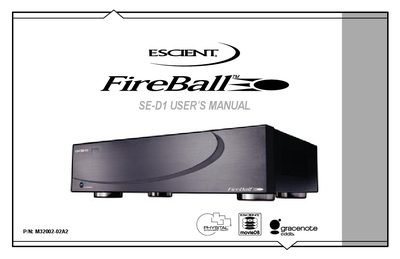
This manual introduces the Escient FireBall SE-D1 media management system, covering its front‑panel layout, remote control functions, and basic operation. It guides users through connecting peripherals such as CD/DVD changers, configuring audio and video outputs, and setting up network and Ethernet connections.
Additional sections explain how to create playlists, adjust screen‑saver and user‑interface preferences, perform software updates, and troubleshoot common network or recording issues. The document also includes full specifications, warranty information, and legal notices.
| Video DAC Resolution | 10‑bit |
|---|---|
| Composite Frequency Response | -2 dB @ SMHz |
| Video SNR | 50 dB |
| Audio Frequency Response | 2 – 20 kHz, +1 dB |
| Audio Channel Separation | >95 dB |
| Power Requirements | AC 90‑132 V, 50‑60 Hz |
| Power Consumption | < 60 W |
| Physical Width | ~17 3/8 in |
| Physical Height | ~4 5/8 in w/ feet |
| Physical Depth | ~11 7/8 in |
The serial number is located at the rear of the unit; record it in the space provided in the manual for future support calls.
It requires AC 90‑132 V, 50‑60 Hz power and consumes less than 60 watts during operation.
Software updates are provided via a broadband or dial‑up Internet connection and can be installed through the web user interface.