
This manual introduces the features and characteristics of the FireBall™ DVDM-100 product, including product introduction, setup, connection of external disc changers, etc.
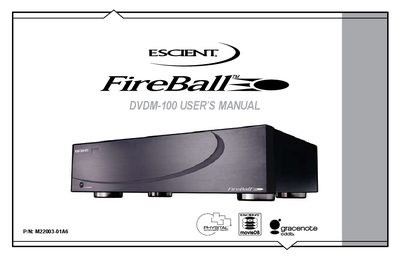
This manual guides users through the features of the Escient FireBall DVDM-100, including front and rear panel functions, remote control operation, and how to navigate movie, music, and internet radio libraries. It also covers connecting external CD/DVD changers, configuring network settings, and using the built‑in web server.
Safety warnings, power requirements, and detailed specifications for video, audio, and physical dimensions are included, along with troubleshooting tips for electrical interference and software updates. The document also contains the Gracenote end‑user license agreement for music data services.
| Video Standard | NTSC |
|---|---|
| Audio Frequency Response | 2 – 20 kHz, +1 dB |
| Physical Width | ~ 17 3/8 in |
The serial number is located on the rear of the device and should be recorded for support calls.
A three‑prong grounded outlet is required; do not use a 3‑wire to 2‑wire adapter plug.
Supported changers include Sony DVP‑CX777ES, Kenwood CD/DVD changers, and Sony CD changers.
Visit the Escient website for software updates; the manual notes that screen images may change after updates.