
This document is the user guide for Spokn on Nokia. It provides information on the features and usage of Spokn Communications Pte Ltd's product.
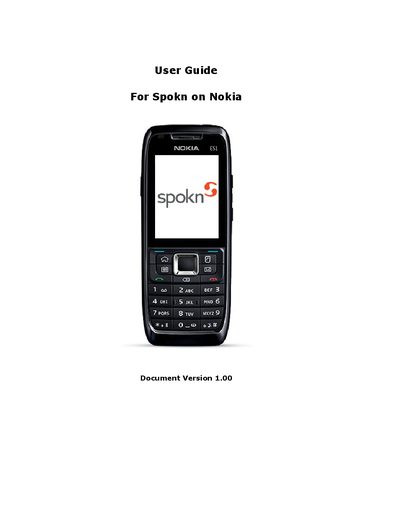
This guide provides step‑by‑step instructions for installing the Spokn application on a Nokia SIP phone, registering for a Spokn ID, and purchasing credits. It also explains how to launch the app, sign in, and make calls using the service.
Additional sections cover configuring SIP settings, troubleshooting Wi‑Fi connectivity, uninstalling the app, and where to find support resources and FAQs.
| Required device | Nokia SIP phone with advanced SIP protocol |
|---|---|
| Required network | Internet connection such as Wi‑Fi or 3G |
Go to www.spokn.com and follow the instructions on the website to register for a seven‑digit Spokn ID.
Sign in to your Spokn account on www.spokn.com, click the Recharge button, select a payment option, and follow the on‑screen instructions.